

Guests check in online from their phone, before they arrive
They fill in their ID, privacy consent and details themselves, in any of the portal's 16 languages and without downloading an app. You get everything ready for Alloggiati Web and ISTAT.
Try free for 14 days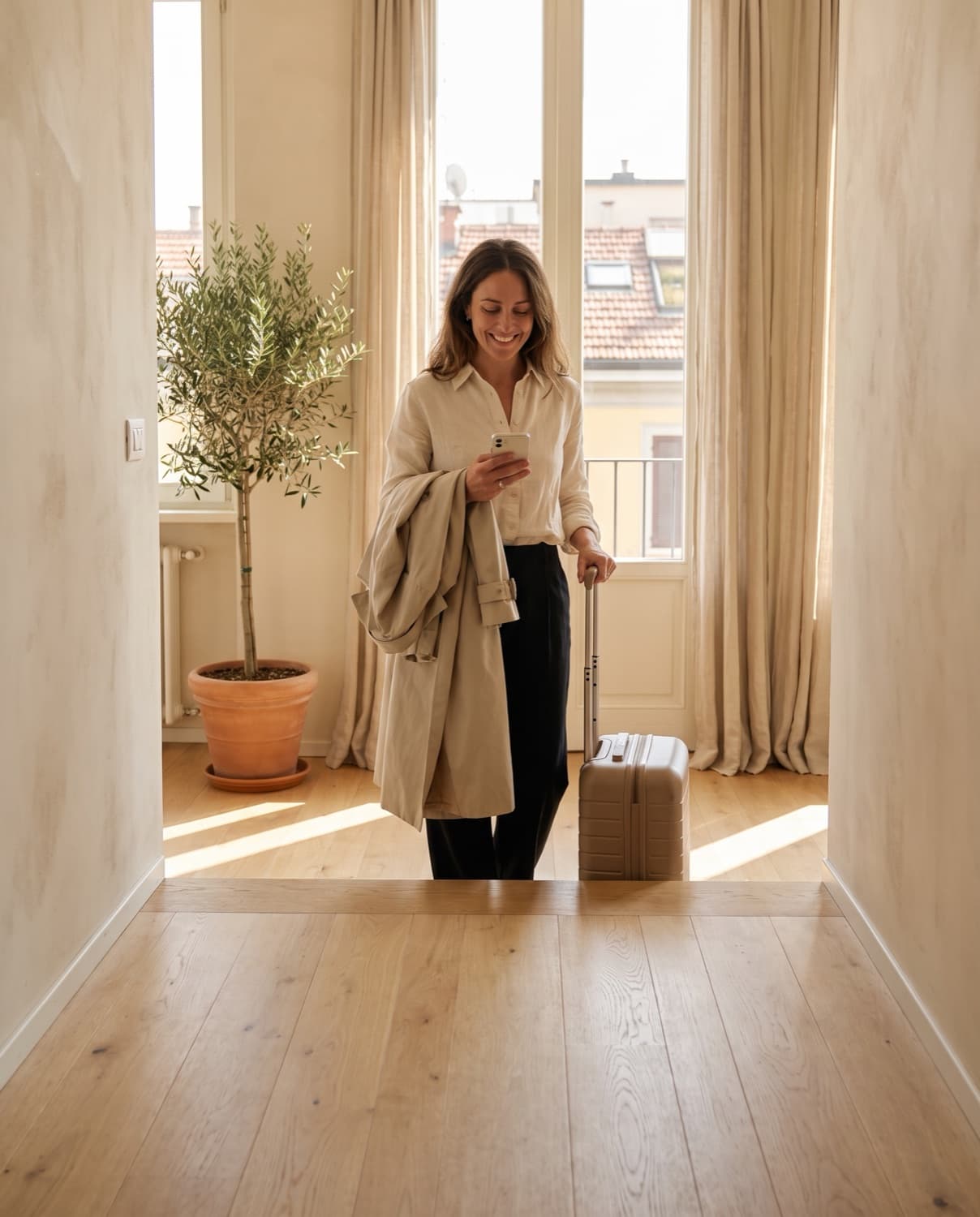
At a glance
Checked against the product on 17 October 2026.
- Plans
- Check-in, PRO and ULTRA
- Cost
- Included in the plan, with unlimited stays
- Bookings
- From Airbnb, Booking.com, Vrbo, iCal or added manually
- Works with
- Alloggiati Web, ISTAT, tourist tax and Stripe
What is Online check-in?
Doorling's online check-in is a link you send your guest as soon as they confirm the booking. They open it on their phone, upload their ID, accept the privacy notice and fill in their details in any of the portal's 16 languages, without downloading an app.
What the guest fills in arrives already in the right format for Alloggiati Web and ISTAT, so you don't retype anything by hand.
What you get with Online check-in
- Every booking has its own link, with no login and no app to download.
- The portal speaks 16 languages, including Arabic, Chinese, Russian and Hindi, and guests choose their own.
- Guests photograph their ID card, passport or driving licence, front and back, and Doorling reads the data with OCR to fill in the fields.
- Guests give their privacy consent themselves, and it's recorded with the date, time and IP address.
- A scheduled reminder nudges only the guests who haven't checked in yet.
- If you've connected Stripe, guests pay the tourist tax and any extras in the same step.
What you stop doing with Online check-in
Waiting for the guest with a paper form in your handExplaining the privacy notice out loud to someone who only speaks Chinese or ArabicCopying details by hand from WhatsApp into your management softwareKeeping an Excel sheet to remember who still needs to check in
How Online check-in works
The booking comes in
As soon as it lands, from Airbnb, Booking.com or added manually, Doorling prepares the check-in link.
The link goes to the guest
You send it with one tap, on WhatsApp too, or it goes out on its own with a scheduled message, in the guest's language.
The guest fills it in
From their phone in a few minutes, with personal details, a photo of their ID and privacy consent. If you schedule a reminder, it goes out the day before only to those who haven't finished.
The data goes to the authorities
Alloggiati Web records go out every evening, and the ISTAT report sends itself where the regional portal is connected, otherwise you'll find it ready to upload or copy across.
Frequently asked questions about Online check-in
All answersReporting guests to the Italian State Police and the region is mandatory, doing it online isn't. Online check-in is still the quickest way to collect the right documents and details, in several languages and with no transcription errors.
No. They get a link, open it in their phone's browser, Safari or Chrome, and fill it in within a few minutes without installing anything.
Basically the lead guest's ID card, passport or driving licence, plus the personal details of all adult guests, which Alloggiati Web requires. You can customise the fields property by property.
16 languages: Italian, English, French, Spanish, German, Arabic, Chinese, Russian, Polish, Greek, Portuguese, Hindi, Korean, Japanese, Vietnamese and Indonesian. Doorling starts from the language of the guest's browser, and they can change it whenever they like.
Yes. The data is stored in our database in Europe. Document photos delete themselves 7 days after a successful submission to Alloggiati Web, and in any case within 90 days of check-out, together with the document details. First and last names are kept until the end of the fifth year after the stay, for tourist tax checks. Guests read the privacy notice in Italian or English.
Related features
ISTAT
Check-in prepares your guest numbers for the region, and where the portal is connected they go out on their own.
Alloggiati Web
Guest records reach the Italian State Police from Doorling, without opening the portal.

Upsells and add-on services
Sell transfers, breakfast and late check-out at the very moment the guest wants them.
Try Online check-in on Doorling, free.
You get a 14-day trial and you are up and running in two minutes.
Explore all features
Compliance and regulations
Daily operations