
One calendar for Airbnb, Booking.com, Expedia and Vrbo
Direct connection with Airbnb, Booking.com, Expedia and Vrbo from the PRO plan, iCal on the Check-in plan. One single view, and no parallel calendars to keep in sync by hand.
Try free for 14 days
At a glance
Checked against the product on 17 October 2026.
- Plans
- Direct connection from PRO, iCal on Check-in
- Direct channels
- Airbnb, Booking.com, Expedia, Vrbo
- Updates
- In real time, or 15-30 minutes with iCal
- Cost
- Included in the plan
What is Multi-channel calendar?
The number one problem when you have more than one channel is overbooking. Airbnb doesn't know what Booking is doing, Booking doesn't know what Vrbo is doing, and in mid-August you end up with two guests on the same night.
From the PRO plan Doorling connects directly to your channels and syncs bookings, prices and availability in real time. As soon as someone books on Airbnb, Booking.com blocks those dates automatically. On the Check-in plan syncing goes through iCal. Doorling's calendar is a single view per property, with bookings, blocks and maintenance jobs.
What you get with Multi-channel calendar
- Direct connection with Airbnb, Booking.com, Expedia and Vrbo, and iCal for other channels
- A single calendar, with a per-property view, a multi-property view and a monthly view
- Stay changes made straight from the calendar
- Blocks for maintenance, personal use and seasonal closure
- Booking history imported from the iCal feeds you already have
- An alert when two bookings overlap, before it becomes a problem
What you stop doing with Multi-channel calendar
Risking overbooking because your channels aren't in syncCopying Booking reservations onto Airbnb by handKeeping four tabs open at onceStarting from scratch when you import the calendars you already have
How Multi-channel calendar works
Add the property
Enter the address, capacity and photos, and the property is ready to connect to your channels.
Connect the channels
From the PRO plan you connect Airbnb, Booking.com, Expedia and Vrbo in Settings and match your properties, while on Check-in you paste each channel's iCal URL.
Dates line up on their own
Every booking closes the same dates on the other channels. With iCal the update arrives within 15-30 minutes.
You book, block, edit
Do everything from Doorling and every change reaches your channels within moments, or at the next iCal sync.
Frequently asked questions about Multi-channel calendar
All answersWith the direct connection, included from the PRO plan, bookings and availability sync in real time. On the Check-in plan you have iCal, which updates every 15-30 minutes, a limit set by the channels themselves.
Yes. You add a direct booking manually, for example from a returning guest or a friend, and it's pushed to the other channels as a block.
With the direct connection every booking immediately closes the same dates on the other channels, while with iCal it happens within the sync window. In rare edge cases, such as two bookings in the same minute on two channels, Doorling alerts you as soon as it spots the overlap.
Yes. From the PRO plan you connect Airbnb, Booking.com, Expedia and Vrbo with the direct connection, and bookings, prices and availability sync in real time, while messages from Airbnb, Booking.com and Expedia land in Doorling's chat. On the Check-in plan you have iCal.
Related features

Dynamic pricing
A price for every channel and, if you want, an external revenue manager who updates them for you.
Cleaning and team
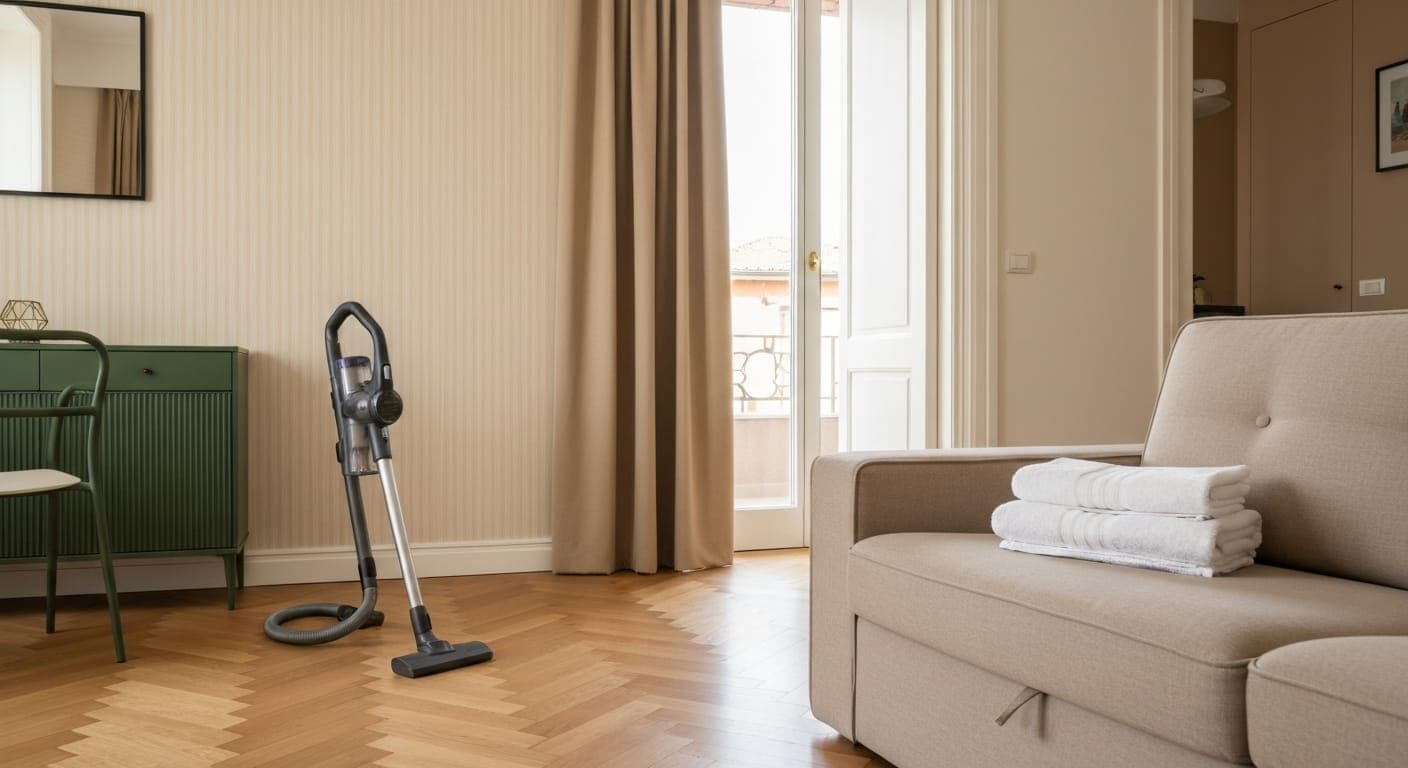
Cleaning scheduled with one tap or automatically at every check-out, with limited access for cleaners.
Multi-property
All your properties in the same dashboard, with filters to see one property or the whole lot.
Try Multi-channel calendar on Doorling, free.
You get a 14-day trial and you are up and running in two minutes.
Explore all features
Compliance and regulations
Daily operations